


Every
moment,
captured.
KickCam automatically follows the action on your iPhone, so you can share and relive every highlight later.
Free early access for iPhone
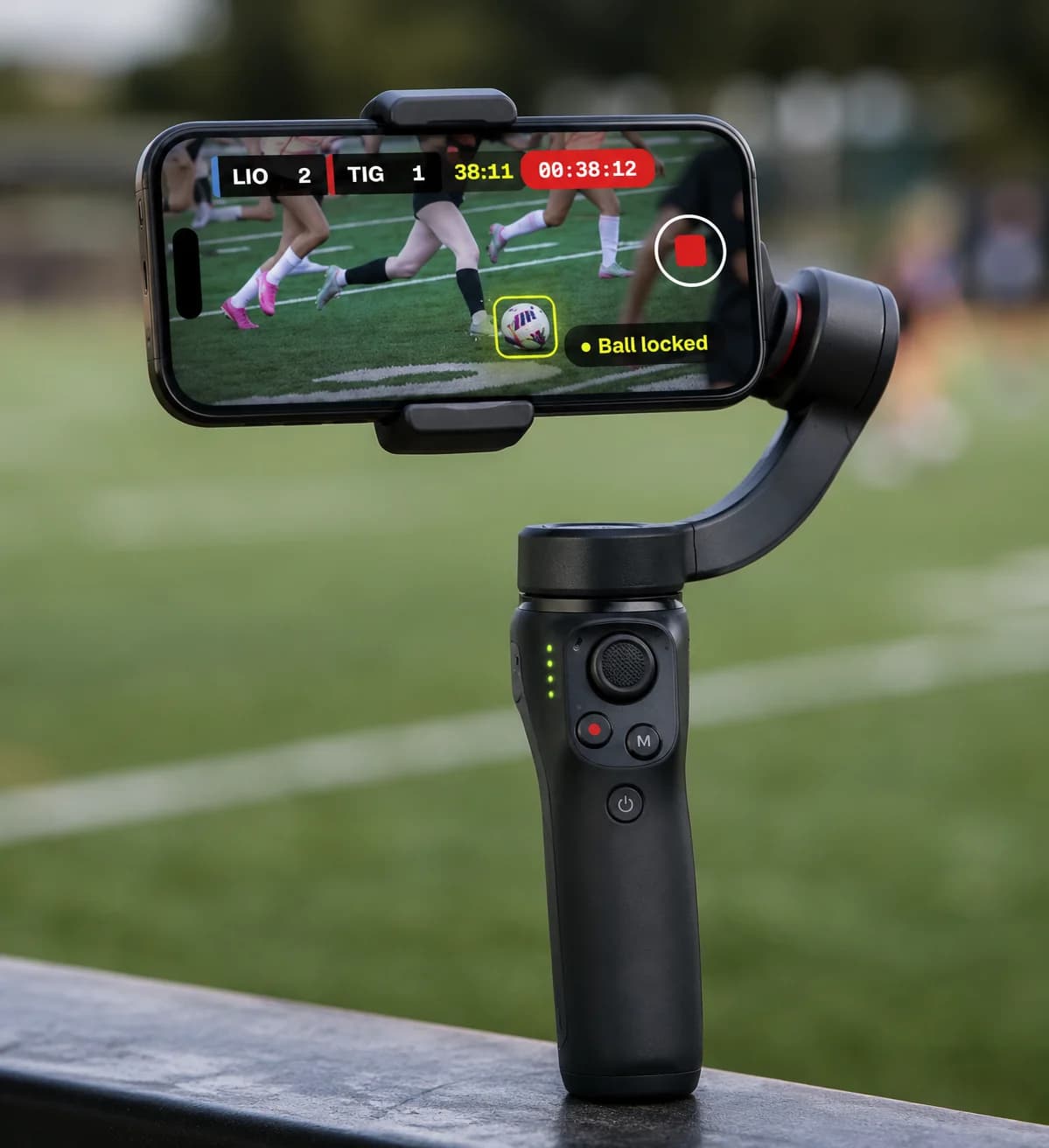
The kit
One iPhone.
One gimbal.
Every game.
KickCam turns the iPhone you already have into an AI sports camera. Clip it onto any Apple DockKit gimbal and it locks onto the ball and follows the play by itself.
- 1080p60or 4K
- On-deviceAI tracking
- Offlineat any field
On your iPhone
See it in the app
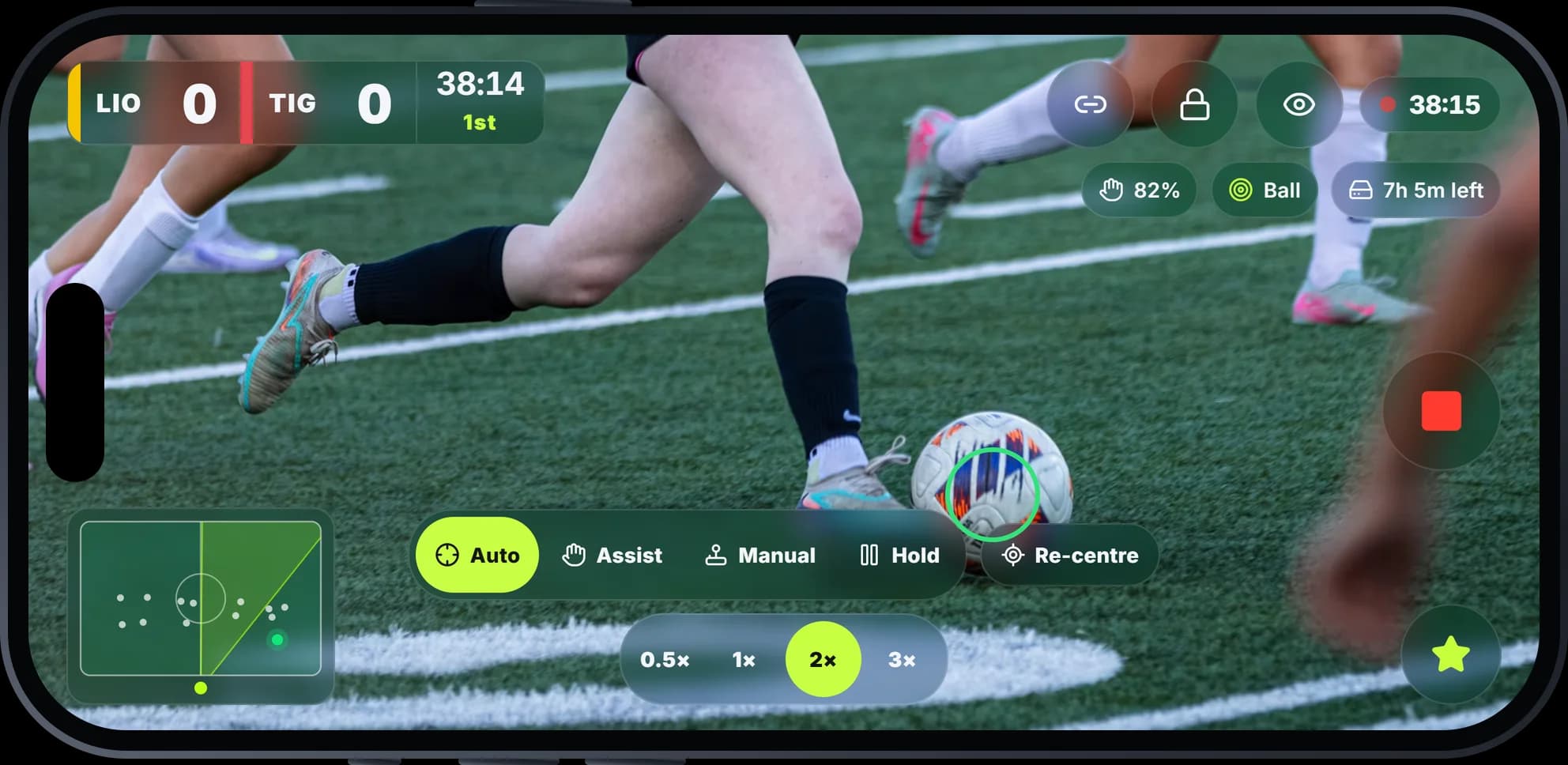
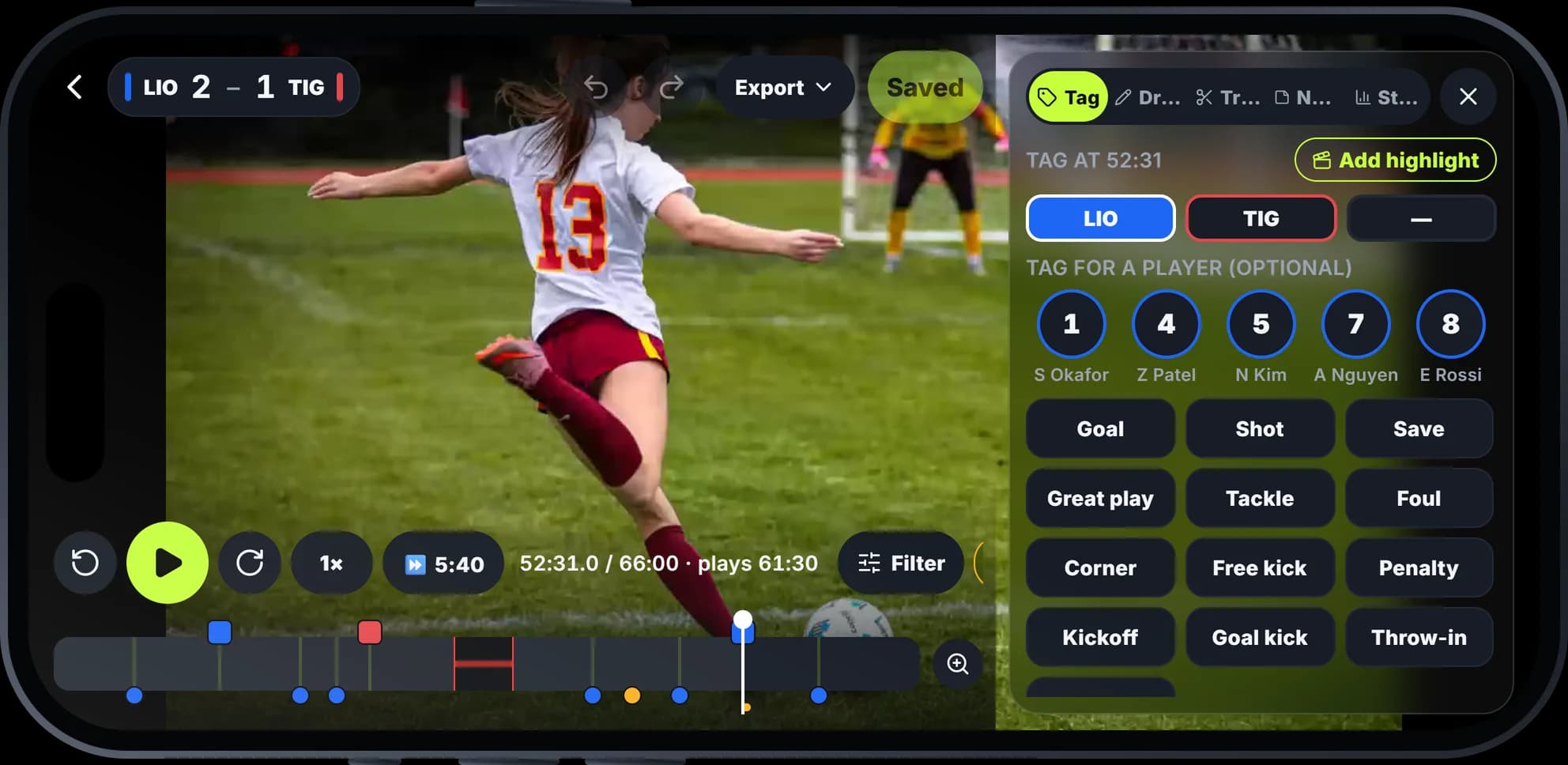
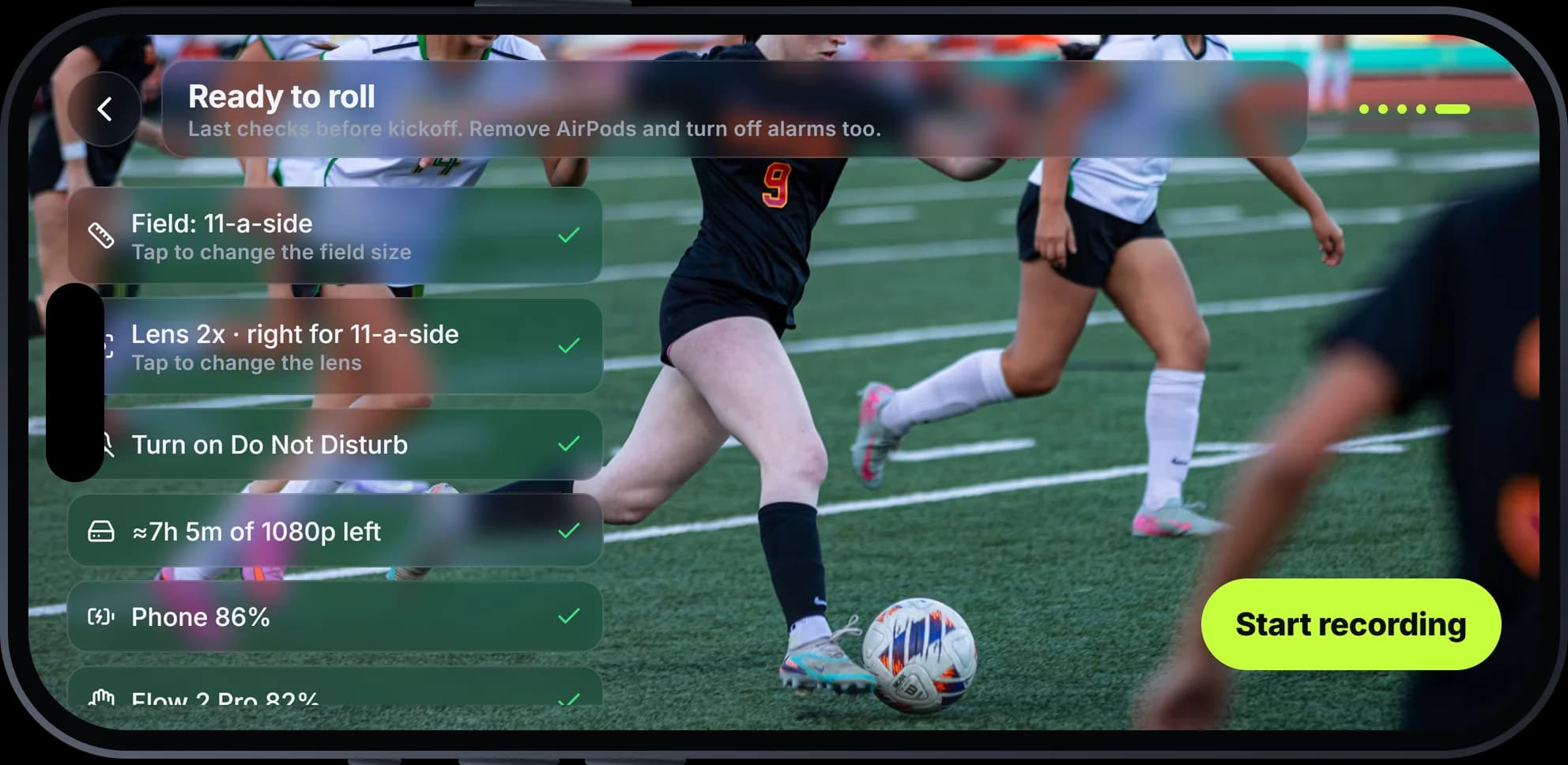
The real KickCam screens, from setting up to the final whistle.
Tag it. Relive it.
Every goal becomes a highlight
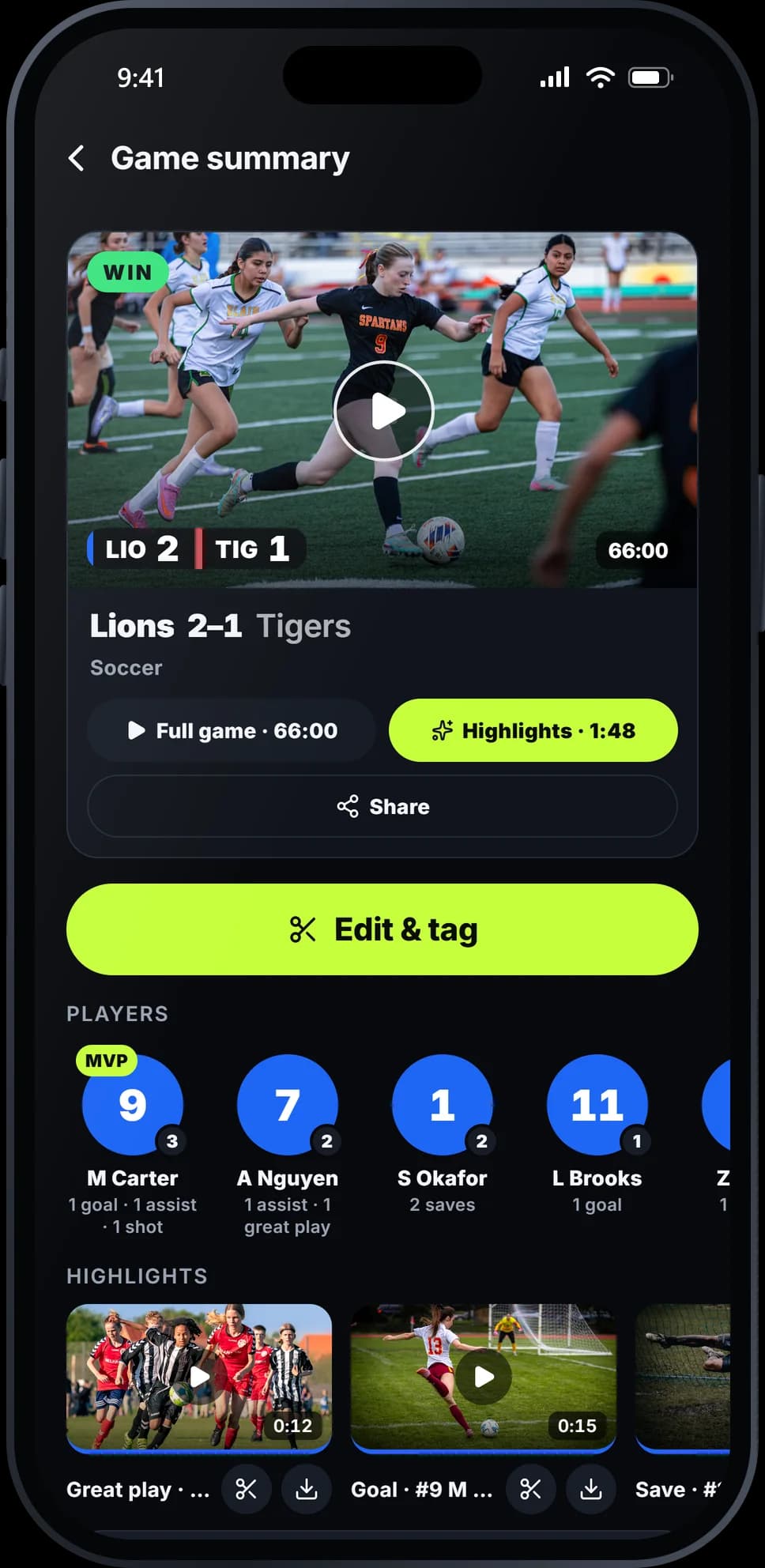
When something happens, tap to tag it: who scored, who assisted, who pulled off the save. KickCam clips the moment and builds the highlights while you watch.
Step 1
Tap when it happens
From the gimbal's button, the screen, or a second phone on the sideline. Add who scored, assisted or saved.
Step 2
AI spots the rest
Corners, free kicks and penalties are suggested for you. Accept or skip them after the game.
Step 3
Celebrate at full time
The highlight reel is ready before you leave the field, and every player gets their own.
Saturday's highlights
Lions 2–1 Tigers · 6 moments · ready at full time

 0:15
 0:10
 0:12
 0:10
 0:09
 0:15

Celebrate every player
Their moments, ready to share
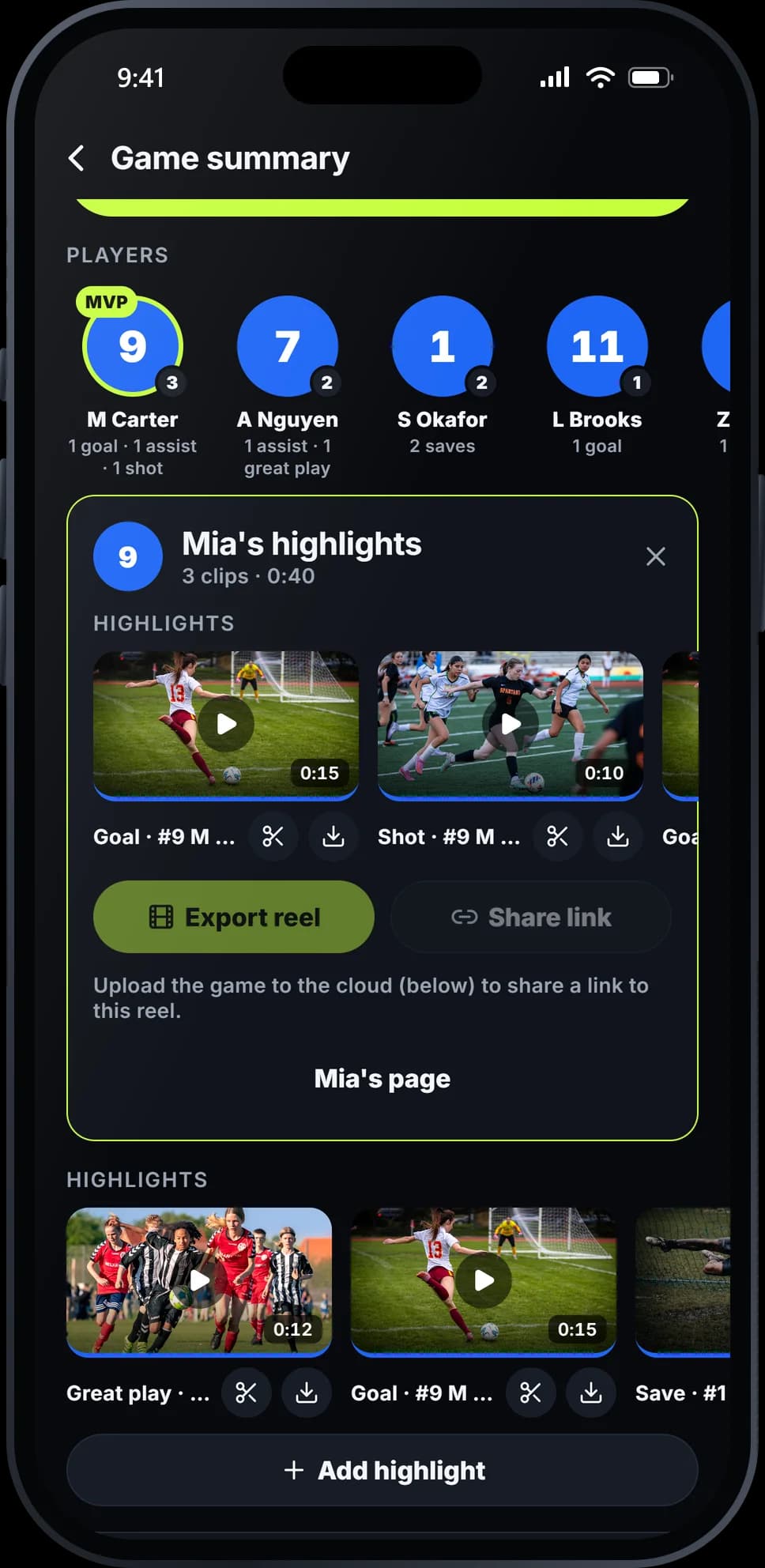
Every player gets their own highlights, page and stats. They get a notification when they're in new highlights, and families can watch from a link.
- “You're in 3 highlights 🔥” on their phone
- Goals, assists and saves, by season or all time
- Share a clip or a whole reel with one link

No camera operator needed
Mount your phone at halfway and press record. KickCam follows the action by itself, so coaches can coach and parents can watch.
Get early access
Watch the game, not your screen
Another parent can pair their phone with a QR code to keep score, run the clock and tag who scored. It all works offline at any field.
Get early access
Set up in about a minute
Clip your iPhone onto a DockKit gimbal, pick your team and opponent, and aim at the pitch. KickCam checks the framing for you.
Get early accessStream every game live
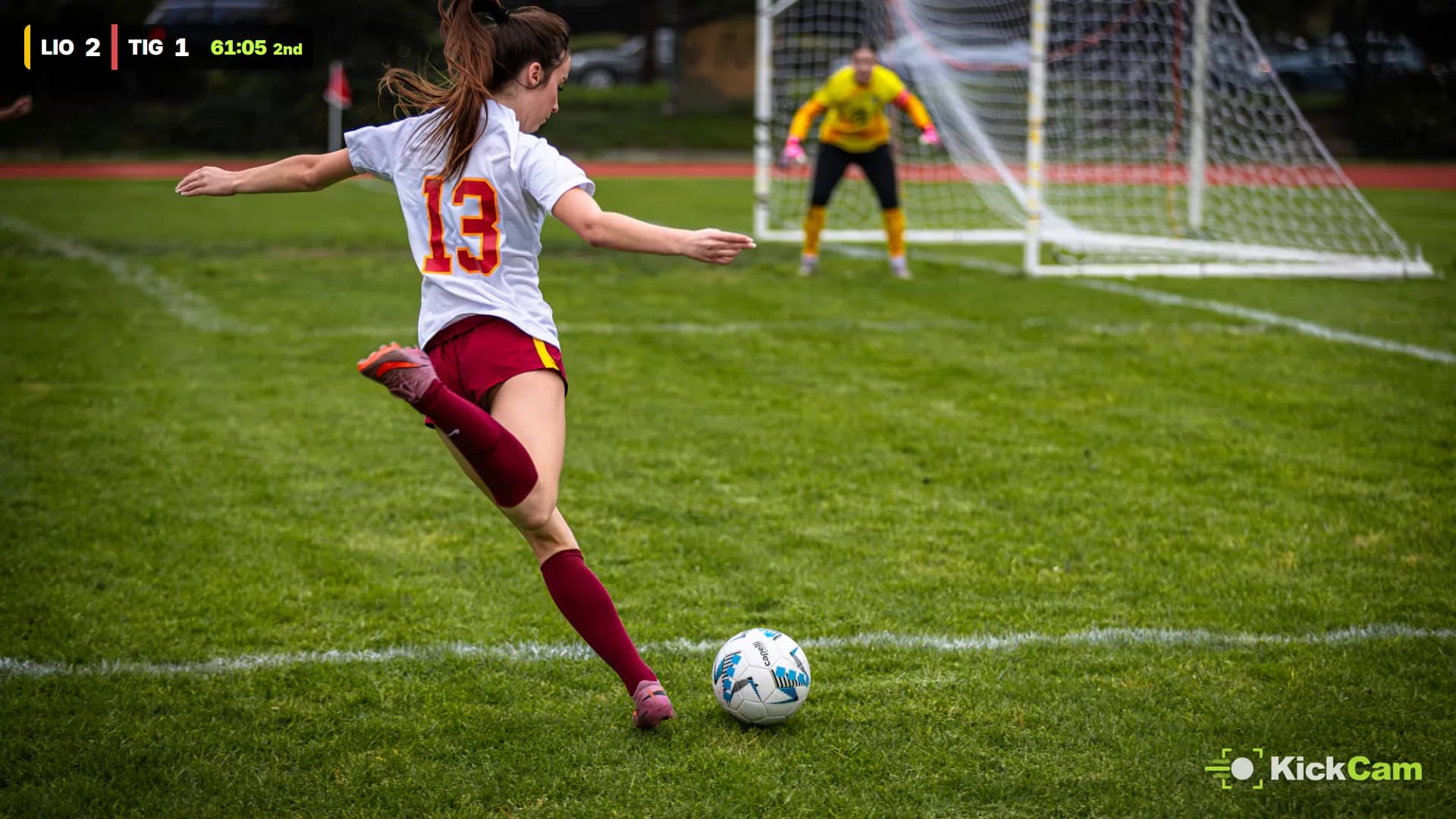
Family who can't make it can watch from anywhere. Go live from the camera phone, with the score and clock on the stream, while KickCam keeps recording the full game in full quality.
- YouTube
- Twitch
- Any RTMP server
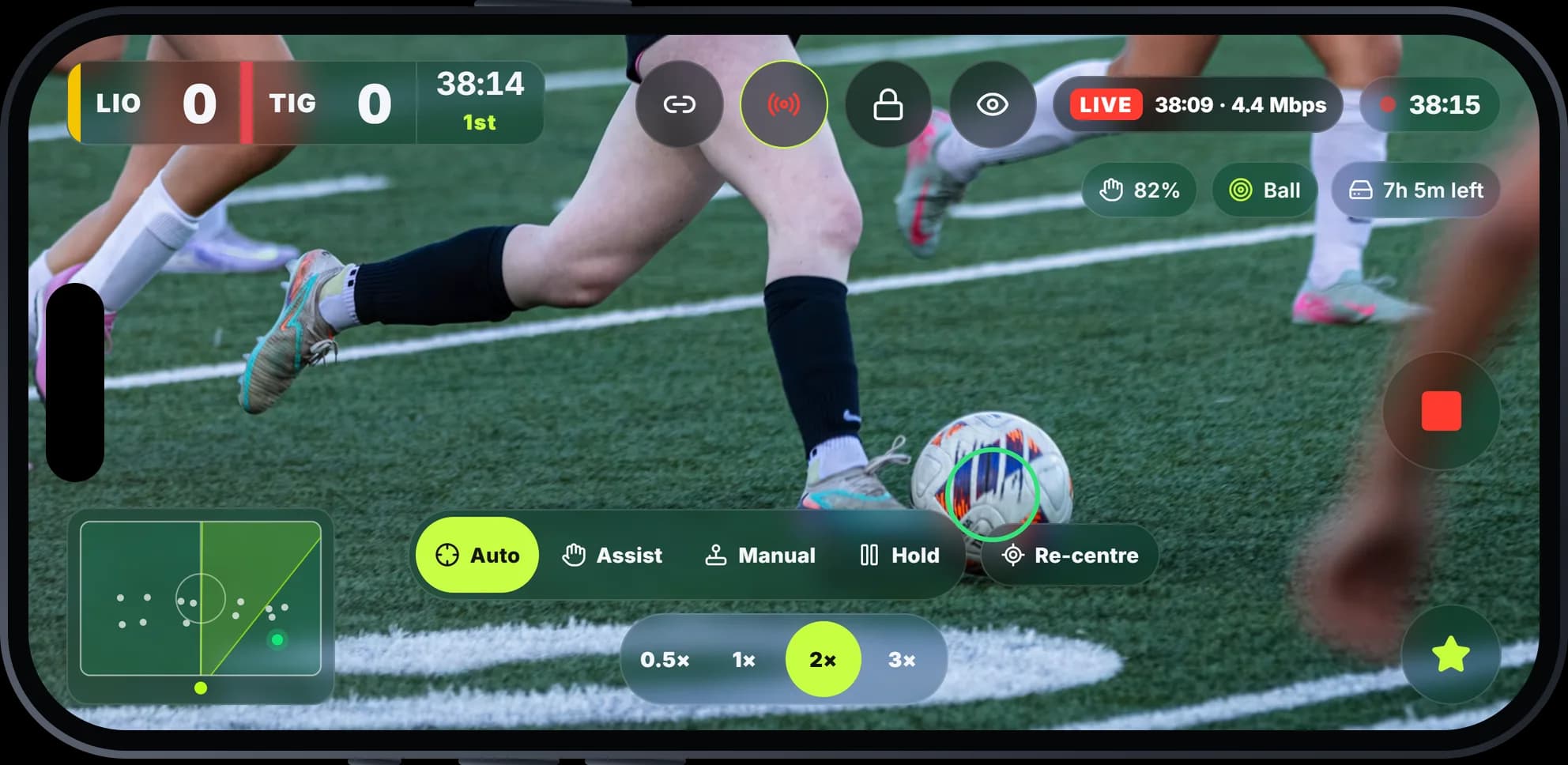
 LIVE
Connect YouTube once
KickCam creates the live event for each game, named after the matchup. Or paste a stream key.
Full-quality recording
Viewers get 1080p or 720p. Your phone still records the whole game at your recording quality (1080p60 by default) for highlights.
Keeps going on weak signal
Drops to 720p when the signal or the phone's heat needs it, and reconnects by itself.

Features
Record, review and share
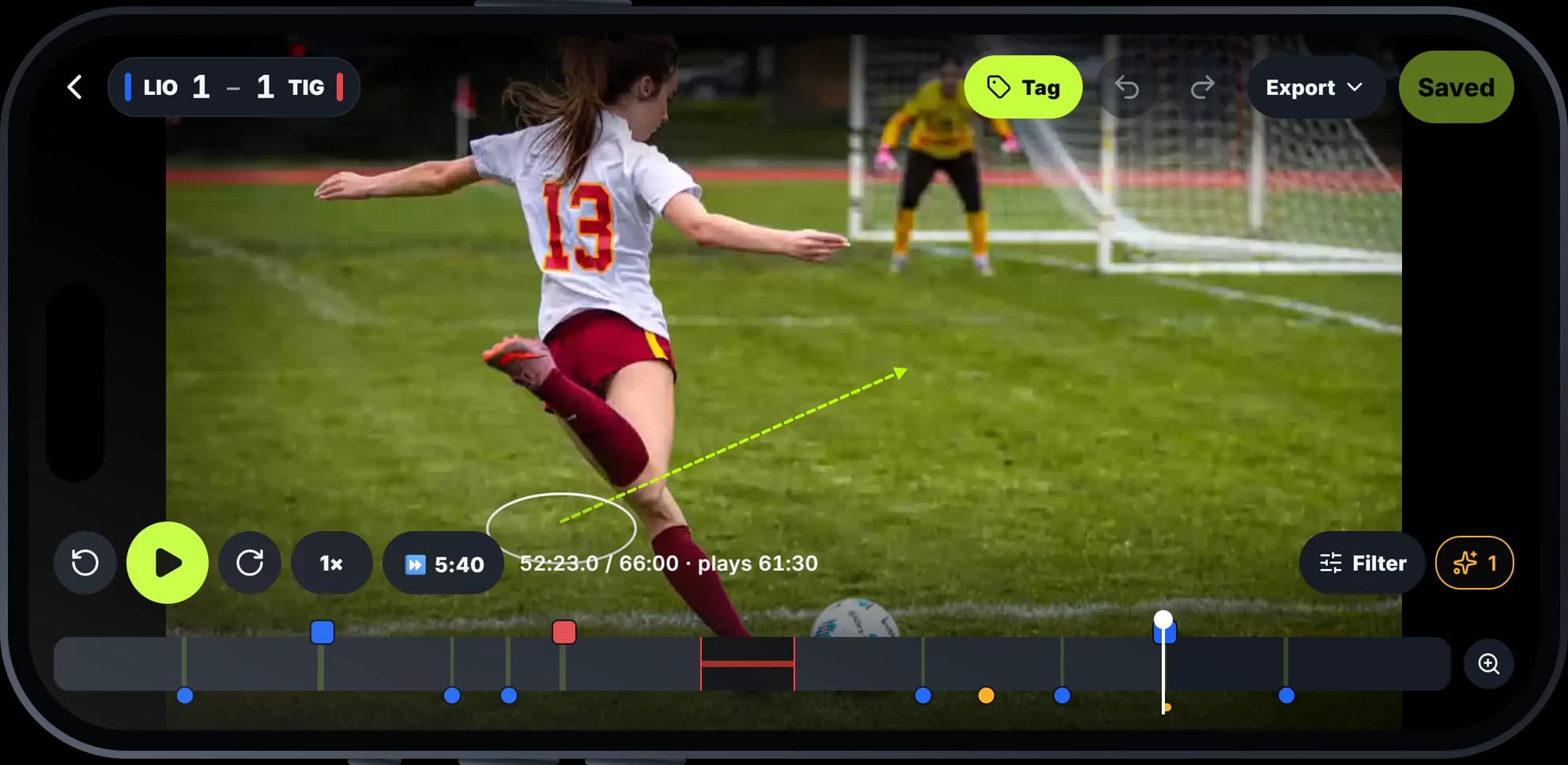
AI spots the moments you missed
Corners, free kicks and penalties are suggested on the timeline. Accept them in a tap, or skip them.
Live scoreboard in the video
A broadcast-style score and clock, run from the camera phone or a paired phone. Fix it later if you need to.
Leaderboards for the whole squad
Goals, assists, saves and more, by season. Players claim their profile with a link.
Share with a link
Send a game or one player's highlights, to the team only or anyone with the link. It opens in the app if they have it.
KickCam editor
Break down the game, on your phone or the web
Scrub the timeline, fix the score, tag moments and draw on the play to show what happened. Then export clips in share-friendly 1080p.
Draw on the play
Arrows, circles and a spotlight on any player.
Trim the game
Cut the warm-up, halftime and anything else.
Skip the dead time
Speedrun past stoppages to the action.
Tag every moment
Goals, saves, chances, with who was involved.
Built for real games

Soccer
Full-size pitches to small-sided games, morning or under the lights.

Futsal
Fast, indoor and close to the action. Tuned for small courts.
No signal? No problem
Tracking, the scoreboard and phone pairing all work offline.
Your whole team
Invite coaches, players and parents with a link or code.
Never miss the video
A notification when the game is ready to watch.

“The best seat at the game shouldn't be behind a phone.”
That's why we built KickCam: so the person who usually films can finally just watch, and every player still gets their highlights.
What you need
Your iPhone does the filming
The app
An iPhone on iOS 17 or later
Tracking, recording and the scoreboard all run on the phone. Watch, edit and share on the web too.
The hardware
A DockKit gimbal (optional)
For the camera to follow the ball by itself. Handheld works too.
FAQs
What do I need?+
Which gimbals work?+
Which sports are supported?+
How does it follow the ball?+
How much storage does a game use?+
Do I need internet at the field?+
Can I cut the warm-up and halftime?+
How do I share highlights?+
Can players see their own highlights?+
Who can see our games?+
Can I live stream games?+
Is there an Android app?+

Early access
Be first on the field
KickCam is in early access for iPhone. Join the list and we'll send your invite.